
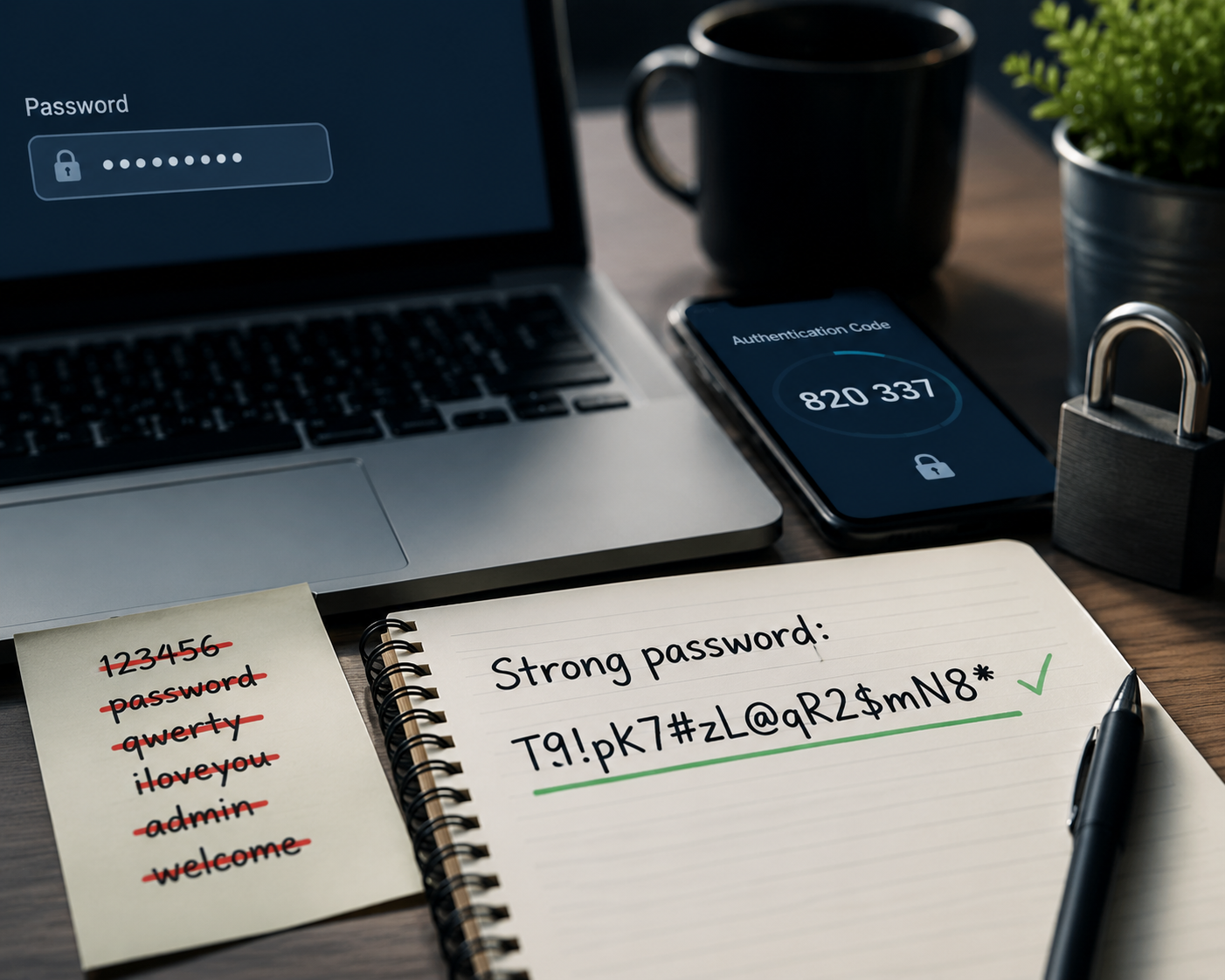
We all use passwords. Yet in 2024, "123456" and "password" remain the two most used passwords in the world. This isn't a matter of intelligence — it's a matter of habit and bad information about what actually makes a password secure.
What a Password Needs to Resist
Before talking best practices, you need to understand how attackers operate. There are two main types of attacks:
A dictionary attack automatically tests thousands of common words, first names, dates and simple combinations. "John2024!" falls in seconds.
A brute force attack tests every possible character combination. This is where length becomes your best weapon — an 8-character password can be cracked in a few hours with modern hardware, while a 16-character password would take millennia.
The Five Rules That Actually Make a Difference
1. Length beats complexity
Many sites require a minimum of 8 characters with an uppercase letter, number and symbol. That's not enough. The real rule: aim for at least 14 characters, ideally 16 or more. "correct-horse-battery-staple" is mathematically stronger than "P@ssw0rd" despite looking less impressive.
2. Avoid any personal information
Your date of birth, your child's first name, your city, your favorite sports team — all of this can be found in minutes on your social media. Attackers know this and use it.
3. One unique password per service
This is the least followed rule and the most important one. When a database gets hacked — and it happens regularly, even at major companies — attackers grab your email and password, then test them on Gmail, Amazon, your bank. If you use the same password everywhere, one single leak compromises everything.
4. Randomness beats human creativity
When we create a password "by hand", we think we're being random but we're not. We have unconscious patterns — we often start with a capital letter, end with a number, replace "a" with "@". Attack software knows these patterns. A truly random password generator protects you better than your own imagination.
5. Enable two-factor authentication
Even the best password can leak. Two-factor authentication (2FA) adds a second lock — even if someone knows your password, they can't log in without access to your phone. Enable it everywhere it's offered, especially on your email and bank accounts.
How to Generate a Good Password in Practice
Here's the most reliable method: use an online generator that creates a random password directly in your browser, without sending anything to a server. You choose the length, the types of characters you want (uppercase, lowercase, numbers, symbols), and the result is generated locally on your device.
Our free password generator works exactly like that — everything happens in your browser, nothing is transmitted or stored. You can generate as many passwords as you want and choose their exact composition.
And Then, Where Do You Store Them?
Generating strong, unique passwords for every service immediately raises a question: there's no way to remember them all. The solution is not to write them on paper or in a text file on your desktop.
A password manager — Bitwarden (free and open source), 1Password or Dashlane — stores all your passwords encrypted behind a single master password. You only have one password to remember, and that one can be very long since you type it often.
What to Remember
A good password is long (16 characters minimum), completely random, unique for each service, and backed by two-factor authentication. It's not about memorization — it's about having the right tools. A generator and a password manager solve the problem once and for all.
Comments 0
No comments yet. Be the first!
Leave a comment